
Demonstrations are rehearsed. The supplier's example call is one they have run a hundred times, with a caller who speaks clearly and asks something the system was built to answer.
These seven questions produce more useful answers. Penelope sells an AI receptionist, so some of these are questions we would rather you did not ask us either. Ask them anyway.
1. What happens on a call it cannot handle?
Every system meets calls it was not built for. What matters is the behaviour when it does.
A good answer: it tells the caller it cannot help, then either transfers to a person you nominate or takes a message and flags it. It never guesses. Followed by a demonstration.
Red flags: claims it handles everything. Cannot describe the fallback. Says it "learns" as an answer to what happens today. Offers voicemail as the fallback, which is an unanswered call with extra steps.
Follow up: who does the transfer reach, how fast, and does that person get any context, or does the caller start again?
2. What exactly am I billed for?
Suppliers count differently: per call, per minute, per unique caller, per location. The headline price tells you almost nothing until you know the unit.
A good answer: a clear unit, a published overage rate, and a willingness to price your actual monthly volume rather than the entry tier.
Red flags: an entry price with an unpublished overage rate. A cheapest tier that does not include voice minutes at all, which exists in this market. Pricing that changes when you say your volume out loud. No published pricing whatsoever, which is common at the enterprise end and makes comparison impossible.
Follow up: are recorded sales calls billable? What about transfers, and time after a transfer? Are bookings and notifications charged per event?
Bring your own numbers: calls per month, average length, how many out of hours. Then make each supplier price that.
3. Can a person take over, and how quickly?
The clearest dividing line in this market. Most services are software only and transfer to your team. Some sell human answering as a separate, much more expensive product.
This matters because of what the calls you cannot afford to lose look like. Clio's 2024 Legal Trends Report found 51% of clients thought automated tools were useful for working out their options, while 67% still wanted the ability to speak to a person when they needed one. The same study found that of prospective clients who reached a firm, 73% were unlikely to recommend it, but among those who spoke to someone by phone, 39% would.
A good answer: a named escalation route, a stated response time, and clarity about whether the person is your own staff or the supplier's.
Red flags: human answering described as though it were part of the same product when it is a separate subscription with its own minimum. Vagueness about what triggers an escalation.
Ours is honest but limited: Penelope transfers to your people, confirms the transfer first, and passes across who is calling and why. There is no Penelope-staffed team taking difficult calls. If you want a supplier's humans on standby, you want a traditional answering service, and it costs several times as much per call.
4. What does it connect to, by name?
A system that cannot reach your diary or records is taking messages.
A good answer: named integrations. Your specific calendar, CRM or practice management system, with confirmation of what it can do in each: read availability, write a booking, create a record, update an existing one.
Red flags: "we integrate with most systems." "It's coming soon." Zapier offered as the answer to everything, which usually means delay and a second subscription. Read-only access described as an integration.
Follow up: what happens when the integration fails mid-call, and where does the data go then?
5. Where does my call data live?
Recordings and transcripts contain your clients' personal information, and in professional services often sensitive information.
A good answer: a stated location, a retention period, a data processing agreement, a clear answer on model training, and named security credentials with access logs.
Red flags: vagueness about location. No stated retention period. Discomfort at the training question. Security described in adjectives rather than certifications. "Enterprise-grade" is not an answer.
Follow up: who at your company can listen to my calls, and what happens to the data if I leave?
6. Can I hear it fail?
The question suppliers least want, and the most informative.
Ask to ring the system yourself rather than watch a demonstration. Then make three calls. The awkward request, with two conditions attached: "I need to move Thursday, but only if the file has come back, and my husband needs to be there." The interruption: talk over it, change your mind halfway, see whether it recovers or restarts. And the difficult line: ring from a mobile somewhere noisy, or have someone with a strong regional accent make the call.
A good answer: yes, and here is a number. Extra credit for a supplier who tells you in advance where their system struggles, because that is one that knows its own product.
Red flags: refusal. Only a scripted demonstration. A test line configured differently from what you will get. Deflection to case studies.
7. What does month two look like?
Most disappointment happens after launch, not during the sale.
A good answer: a named person for setup, a realistic timeline, an explanation of who configures the call flows and escalation rules, access to transcripts you can review yourself, and how changes get made once you are live.
Red flags: "it's live in five minutes" for anything involving diary booking or your service details. No transcript access. Changes only through a support ticket with no stated turnaround. No review after the first month.
Follow up: what is the minimum term and the notice period, and what happens to my number and data when I leave? Ours is a three-month minimum then one month's notice, which is longer than some competitors and worth weighing.
The checklist
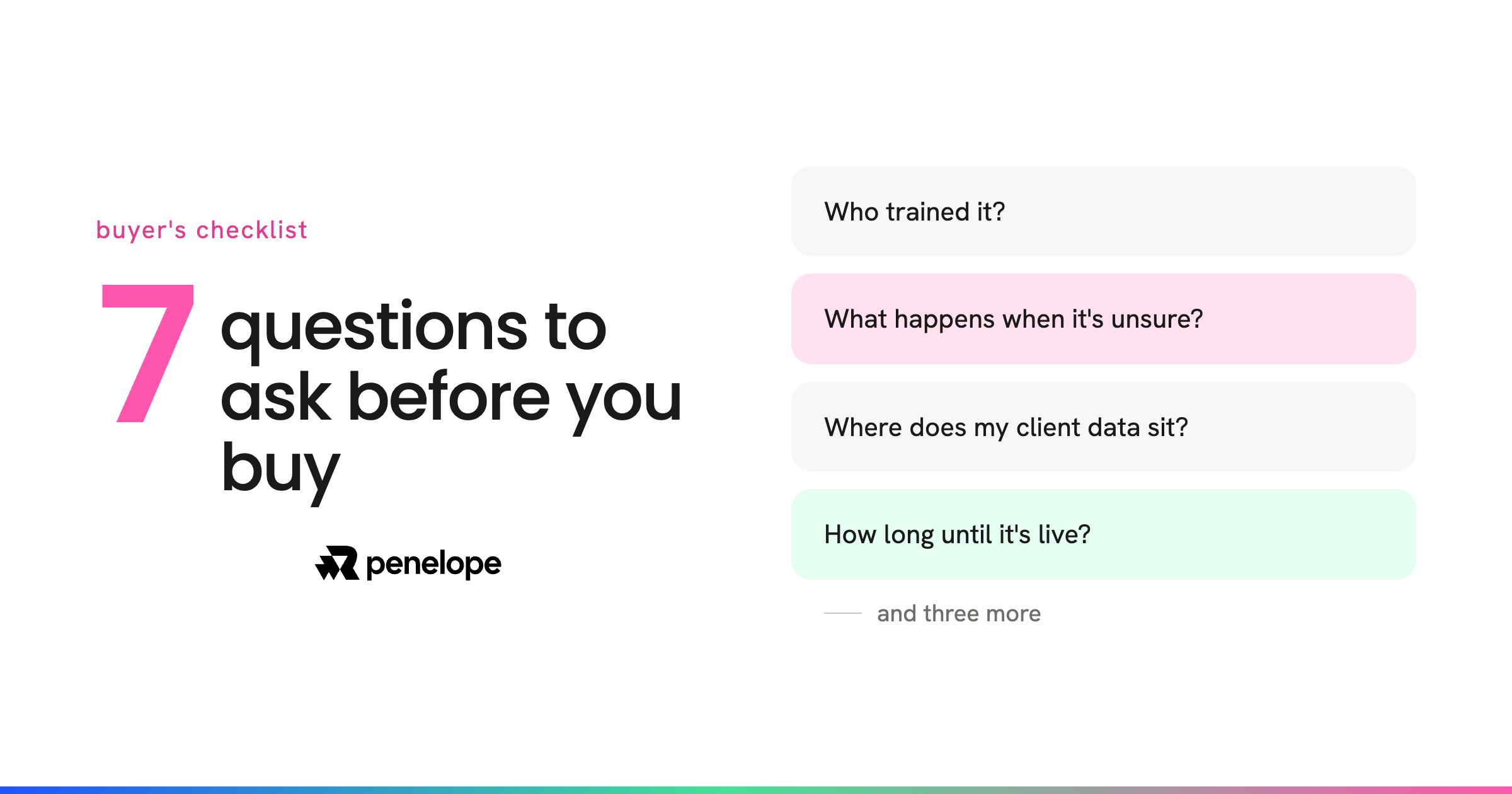
Take these seven into every conversation, and do not sign until the same supplier has answered all of them: what happens on a call it cannot handle; what you are billed for and what your real volume costs; whether a person can take over and how fast; which of your systems it connects to by name; where your call data lives and whether it trains models; whether you can ring it yourself and try to break it; and who configures it and how changes get made in month two.
One thing worth remembering
The comparison most people make in their heads is between an AI receptionist and a perfect human receptionist. That is not the choice on the table.
Clio's secret shopper study found only 40% of 500 law firms answered a call from a prospective client, down from 56% in 2019, and only 20% of firms that missed a call rang back. For most firms the honest comparison is between software answering the phone and nobody answering it.
That should make you more willing to buy something, and no less demanding about which. A system that answers every call and hands the difficult ones straight to a person clears the bar. One that answers every call and guesses on the difficult ones does more damage than the voicemail it replaced.